
Stop Emailing Files Back and Forth With Clients
Hubshare gives clients a branded, secure space to see project updates, share files, and collaborate — connected to the same governed information your team already manages in M-Files, not a separate silo.
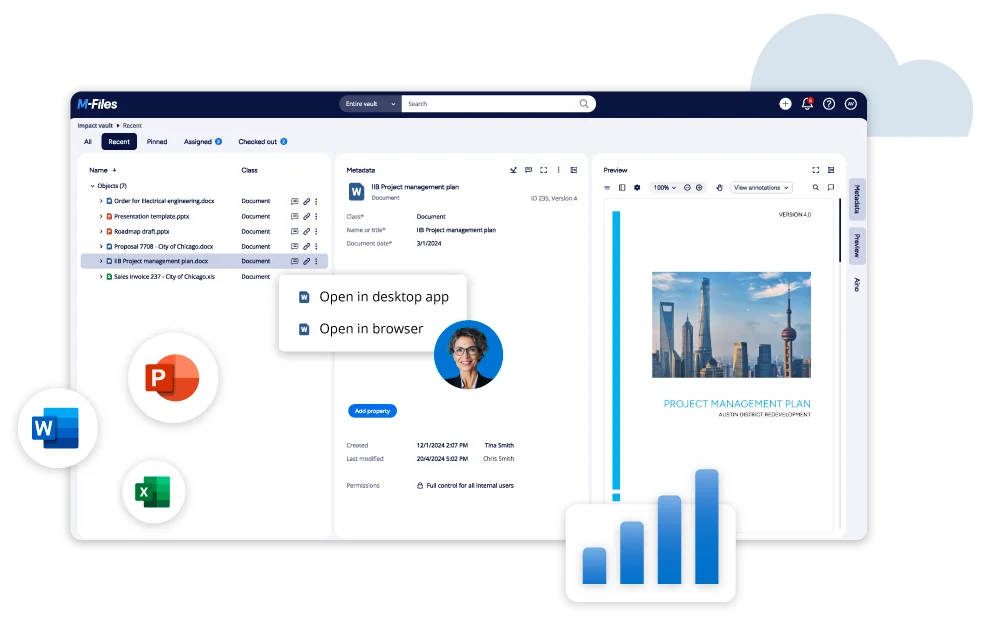
Connect external clients directly to governed M-Files vaults with custom branding and permissions.
Sound familiar?
The communication bottlenecks and security risks of relying on email attachments for client work:
Clients get generic email attachments
Every file, update, and request goes back and forth over email — no branded, professional space that reflects the relationship, just an inbox thread that gets harder to follow the longer a project runs.
Project status lives in someone's inbox
A client asking "where are we at" means someone stopping what they're doing to pull together an update — instead of the client being able to check a live view themselves.
Sensitive files get shared through insecure tools
Contracts, financial documents, or confidential project files get sent as plain email attachments or consumer links — with no real control over who can access them after the fact.
Every client gets a one-size-fits-all setup
Without a proper client portal, there's no way to give a specific client a branded, tailored space — it's either generic email for everyone or nothing at all.
A branded home for every client relationship
Not a separate system to maintain — Hubshare connects to the same M-Files vault your team already uses, giving clients a controlled window into exactly what's relevant to them.
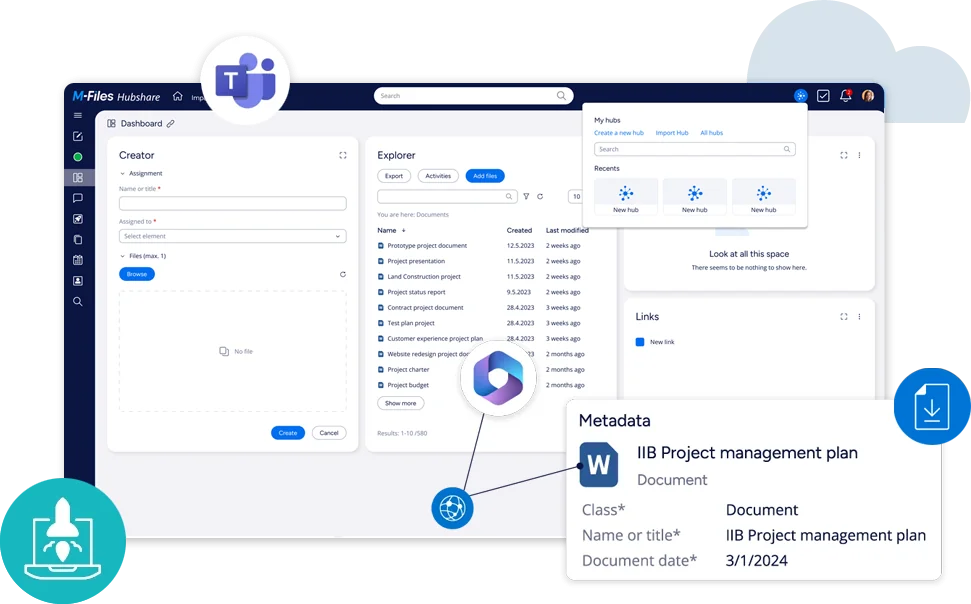
Data Rooms
Secure, structured spaces for sharing sensitive documents — contracts, financials, due-diligence files — with proper access control, not a generic email attachment.

Project Collaboration
Clients get real-time visibility into project updates and status, so "where are we at" becomes something they can check themselves instead of a question that interrupts someone's day.
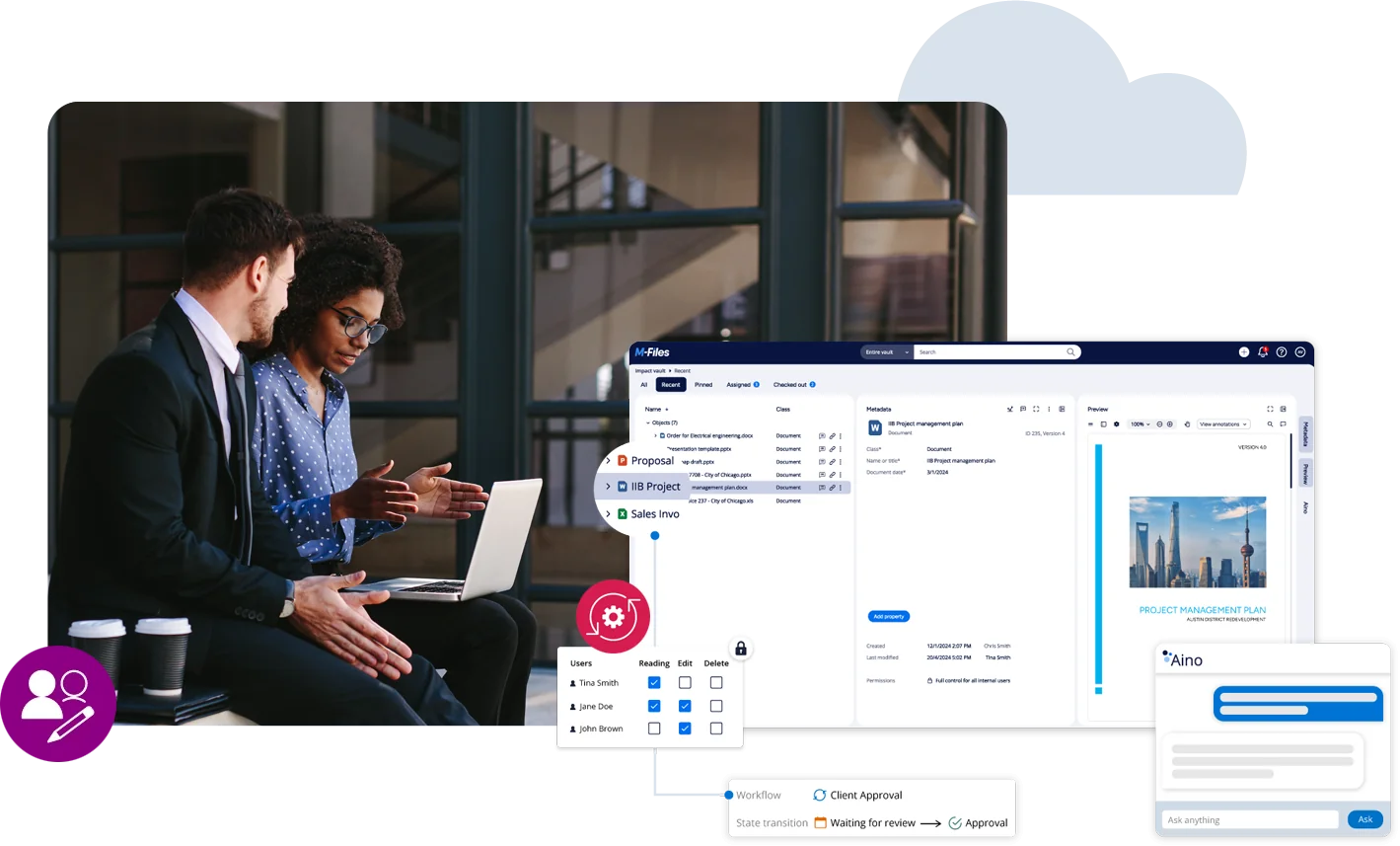
Branded Extranet, Unlimited Hubs
Every client can get their own branded, customized hub — not a generic one-size-fits-all portal. Unlimited hubs are manageable from a single installation, scaling across your whole client base.

Cloud or On-Premises, Your Choice
Deployed however fits your environment and compliance needs — cloud-hosted on Microsoft Azure, or on-premises. Same flexibility already established for M-Files itself.
Data Rooms · Project Management · File Sharing · Extranet
Four ways Hubshare transforms external client relationships, all connected natively to your M-Files vault so documents stay governed and single-sourced.
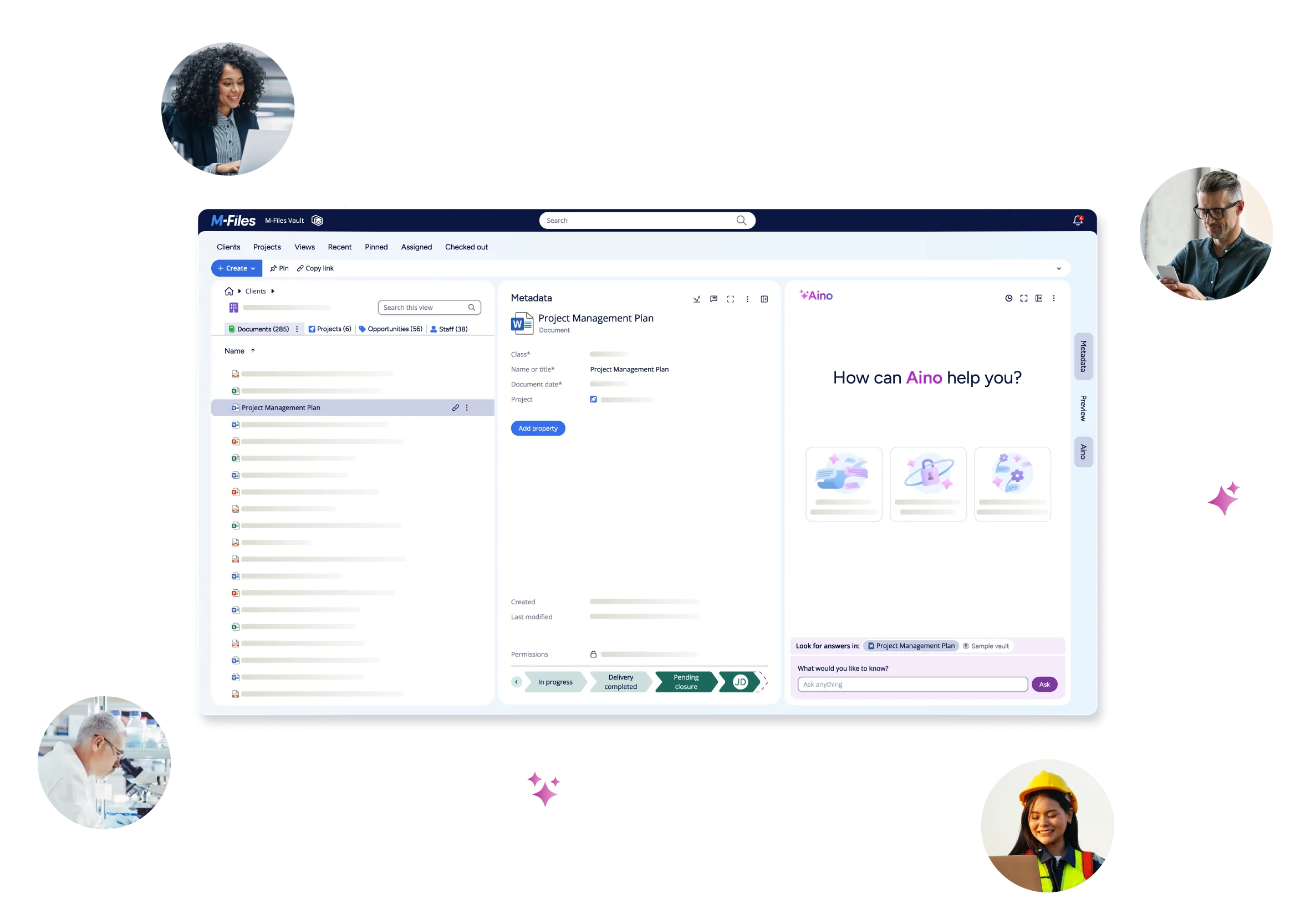
Connect external partners, auditors, and clients securely without duplicating files into unmonitored consumer clouds.

Gartner Magic Quadrant
Leader & Visionary in Enterprise Content Services
Forrester TEI Study
Validated 301% ROI over 3 years

TrustRadius Top Rated
Top Rated Client Portal 2026

Nucleus Research
Ranked Leader 10+ consecutive years
Common Questions About M-Files Hubshare
Clear answers for client relationship leads, IT directors, and practice managers.
Give your clients somewhere better than an inbox thread.
See how Hubshare gives clients a branded, secure space connected to the same information your team already manages — with a demo built around your actual client relationships.
Book a Free Demo →