
Business Email Compromise: How Invoice Fraud Works and 6 Controls That Stop It
The Anatomy of a High-Stakes Invoice Redirection Attack
It usually happens on a busy Friday afternoon or during end-of-month reconciliation. Your accounts payable officer receives an email from a longstanding Australian trade supplier or professional subcontractor. The email thread is genuine, the formatting and tone are familiar, and an overdue tax invoice for $48,500 is attached.
The only difference? A short note on the supplier’s letterhead stating: “Please note our BSB and account number have been updated due to our recent commercial banking migration.”
Under pressure to finalise payment before the weekend, the accounts officer updates the supplier’s banking profile in Xero or MYOB, authorises the Electronic Funds Transfer (EFT), and sends the remittance advice. Five days later, the real supplier calls demanding payment. The funds are gone, siphoned through an Australian “mule” account and converted into untraceable cryptocurrency within minutes.
This scenario is not speculative—it is Business Email Compromise (BEC), and according to the latest research from the Australian Signals Directorate (ASD) Annual Cyber Threat Report, BEC remains the single most financially damaging cybercrime vector impacting Australian businesses, with average financial losses exceeding $46,000 for small businesses and $97,000 for medium enterprises per successful incident.
Why Australian SMEs Are the Prime Target for Invoice Fraud
Unlike brute-force ransomware that locks down systems with noisy ransom demands, BEC is insidious, quiet, and socially engineered. Attackers recognise that Australian small-to-medium enterprises (SMEs) possess substantial cash flows but frequently lack enterprise-grade identity controls, automated transaction verification, or formal segregation of financial duties.
Month-End Time Squeeze
High transaction volumes and rigid batch payment cut-offs create urgency, causing staff to bypass manual verbal bank verification.
Lookalike Typo-Squatting
Criminals register deceptive domains (e.g. supplier-services.com.au instead of supplier.com.au) that evade basic visual inspection.
Compromised Supply Chains
Even if your own Microsoft 365 environment is locked down, an insecure vendor's compromised mailbox can be weaponised against you.
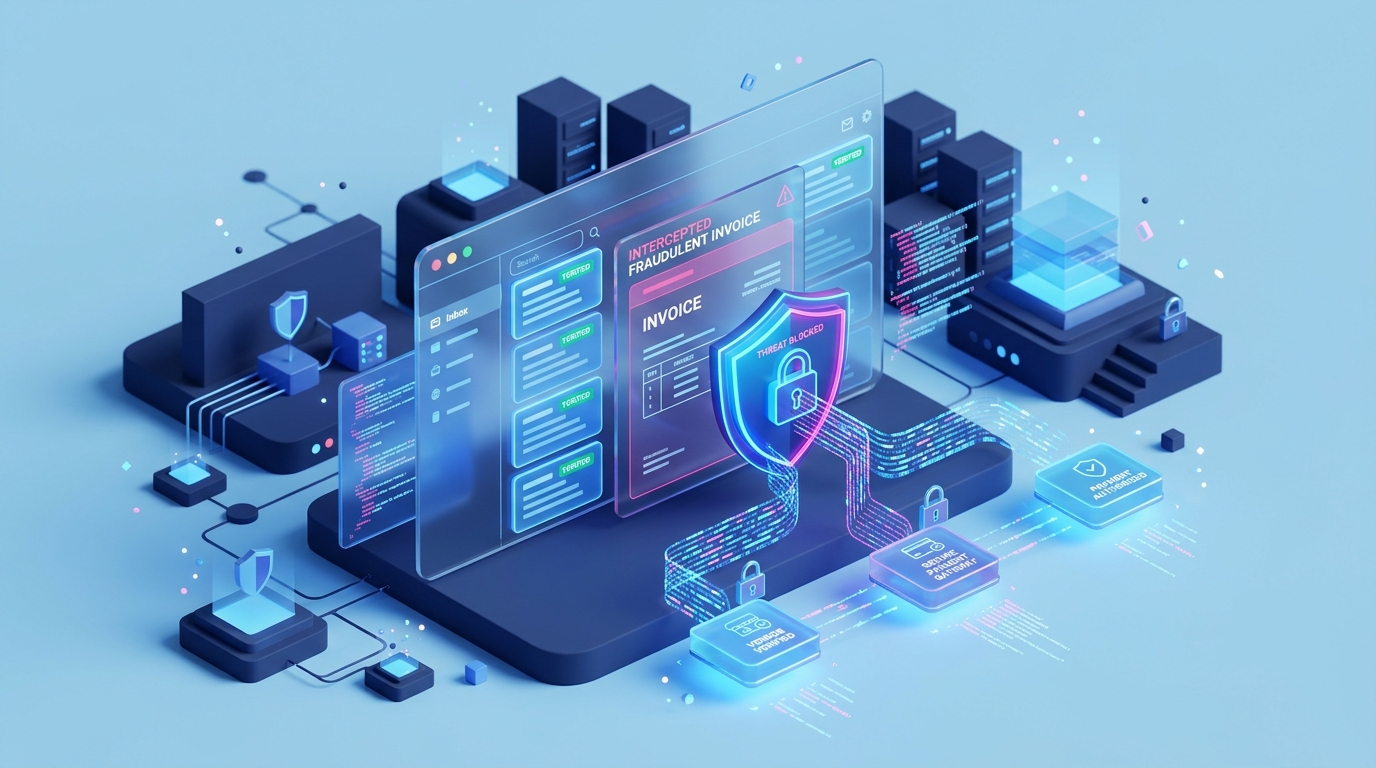
Visualising the BEC Attack Chain vs Defensive Interception
Understanding how threat actors infiltrate your commercial communications highlights why anti-virus software alone cannot protect you. Below is the typical four-stage progression of an invoice redirection attack and where specific technical controls sever the chain:
Business Email Compromise: Infiltration Lifecycle vs. Range Defensive Controls
The 6 Essential Controls That Stop Invoice Redirection
Preventing BEC requires a combination of strict technical guardrails in your cloud tenant and disciplined internal financial practices. Here are the six high-impact controls every Australian organisation must deploy:
1. Enforce Phishing-Resistant MFA and Terminate Legacy Protocols
Basic SMS two-factor authentication is no longer sufficient; cybercriminals routinely bypass SMS via SIM-swapping or reverse-proxy phishing kits (like Evilginx).
Your organisation must enforce phishing-resistant Multi-Factor Authentication (MFA)—such as Microsoft Authenticator number matching or FIDO2 hardware keys—across all staff mailboxes. Crucially, your IT administrator must create a Conditional Access policy in Microsoft Entra ID to block Legacy Authentication (POP, IMAP, SMTP AUTH). Legacy protocols cannot challenge for MFA, leaving a wide-open back door for automated credential attacks.
Review our dedicated guide on why multi-factor authentication is non-negotiable for technical setup steps.
2. Enforce Strict DMARC Policies at p=reject
Domain spoofing allows threat actors to impersonate your business name directly. Implementing Sender Policy Framework (SPF) and DomainKeys Identified Mail (DKIM) is step one, but without DMARC (Domain-based Message Authentication, Reporting, and Conformance), receiving mail servers will still accept forged emails.
Many organisations remain stuck on passive monitoring (p=none). Moving to an enforced policy (p=quarantine or p=reject) guarantees that fraudulent emails pretending to originate from your domain are rejected before reaching your clients’ or suppliers’ inboxes.
3. Deploy External Sender Banners and Lookalike Domain Detection
Attackers frequently register lookalike domains where a single character is substituted (e.g. supp1ier.com.au or rangeis-portal.com).
By configuring advanced anti-phishing policies within Microsoft Defender for Office 365, your email system will automatically flag:
- Messages originating from newly registered external domains.
- Lookalike domain names matching your executive team or top vendors.
- Prominent visual warning banners on all external emails (e.g. “CAUTION: External Sender — do not act on financial or banking change requests without phone verification”).
4. Mandatory Out-of-Band Phone Verification for Banking Details
Technical controls must be reinforced by an unbreakable procedural rule: never accept updated bank account details via email alone.
Establish a strict finance policy requiring accounts staff to conduct a verbal “out-of-band” phone call before modifying any vendor BSB or account number:
- Call the supplier using a trusted phone number independently verified from your original onboarding contract or their verified public website—never use the phone number printed on the invoice itself or provided in the email signature.
- Require confirmation from a known, authorised financial officer at the supplier organisation.
5. Automated Auditing for Suspicious Mailbox Forwarding Rules
Once inside a compromised mailbox, attackers rarely send emails immediately. Instead, they create stealthy inbox forwarding rules (often named with a single period . or labelled “Archive”) that automatically forward emails containing words like “invoice”, “remittance”, “BSB”, or “payment” to an external Gmail or ProtonMail address.
Using automated compliance alerts in Microsoft 365, your IT team or Managed Service Provider must receive instant real-time telemetry whenever a forwarding rule, inbox delegate, or transport redirect rule is established across your tenant.
6. Dual-Approval Workflows on Banking Portals (EFT)
Single-person authorisation on commercial bank transfers is a critical operational vulnerability.
Configure your commercial banking platform (such as CommBank CommBiz, Westpac Corporate Online, ANZ Transactive, or NAB Connect) to require dual independent authorisation on all outbound payments over a defined threshold (e.g. $5,000). The person entering the batch payment in accounting software cannot be the sole approver releasing the funds at the banking level.
If You Suspect You Have Already Paid a Fraudulent Invoice
Time is the single most critical factor in recovering stolen funds. If an unauthorised payment has been released:
- Call Your Bank Immediately (Within Hours): Contact your commercial bank’s dedicated fraud department immediately. Request an urgent recall of the transfer and ask them to issue a formal fraudulent transfer alert to the recipient bank. Australian financial institutions participate in inter-bank fraud tracking protocols that can freeze funds if notified before the funds are transferred off-platform.
- Contain the Mailbox: Have your IT team immediately revoke all active refresh tokens, reset passwords, and audit mailbox forwarding rules and mailbox audit logs in Microsoft 365.
- Report to ReportCyber: Lodge an immediate official report through the Australian Government’s ReportCyber portal. This generates an Australian Cyber Security Centre (ACSC) incident number, which banks and insurance assessors require during recovery investigations.
- Assess Regulatory Obligations: If personal identification records, customer tax files, or sensitive payroll data were accessed during the mailbox compromise, assess whether the incident triggers notification obligations under the OAIC Notifiable Data Breaches (NDB) scheme.
- Notify Your Cyber Insurer: Contact your cyber insurance provider promptly. Most policies provide incident response retainers, forensic investigators, and legal counsel to assist in post-breach containment.
Strengthen Your Email and Financial Defences with Range
Protecting your organisation against sophisticated invoice fraud does not require expensive enterprise software suites. It requires systematic configuration of the tools you likely already pay for in Microsoft 365 Business Premium, backed by proactive security monitoring.
Explore our comprehensive Cybersecurity and Compliance services, review our 7 high-ROI cybersecurity quick wins for SMEs, or discover how our managed cloud solutions at Range IT Cloud & Microsoft 365 safeguard day-to-day operations.
Ready to audit your email tenant and eliminate invoice fraud vulnerabilities? Book a Range BEC Security Audit or contact our Newcastle and Sydney teams today via Range IT Managed Services.