
Stop Losing Project Documents in Deep Folder Hierarchies
M-Files connects every project document to the project, phase, and status it belongs to — so contractors, clients, and your own team are always working from the current version, not whatever they last downloaded.
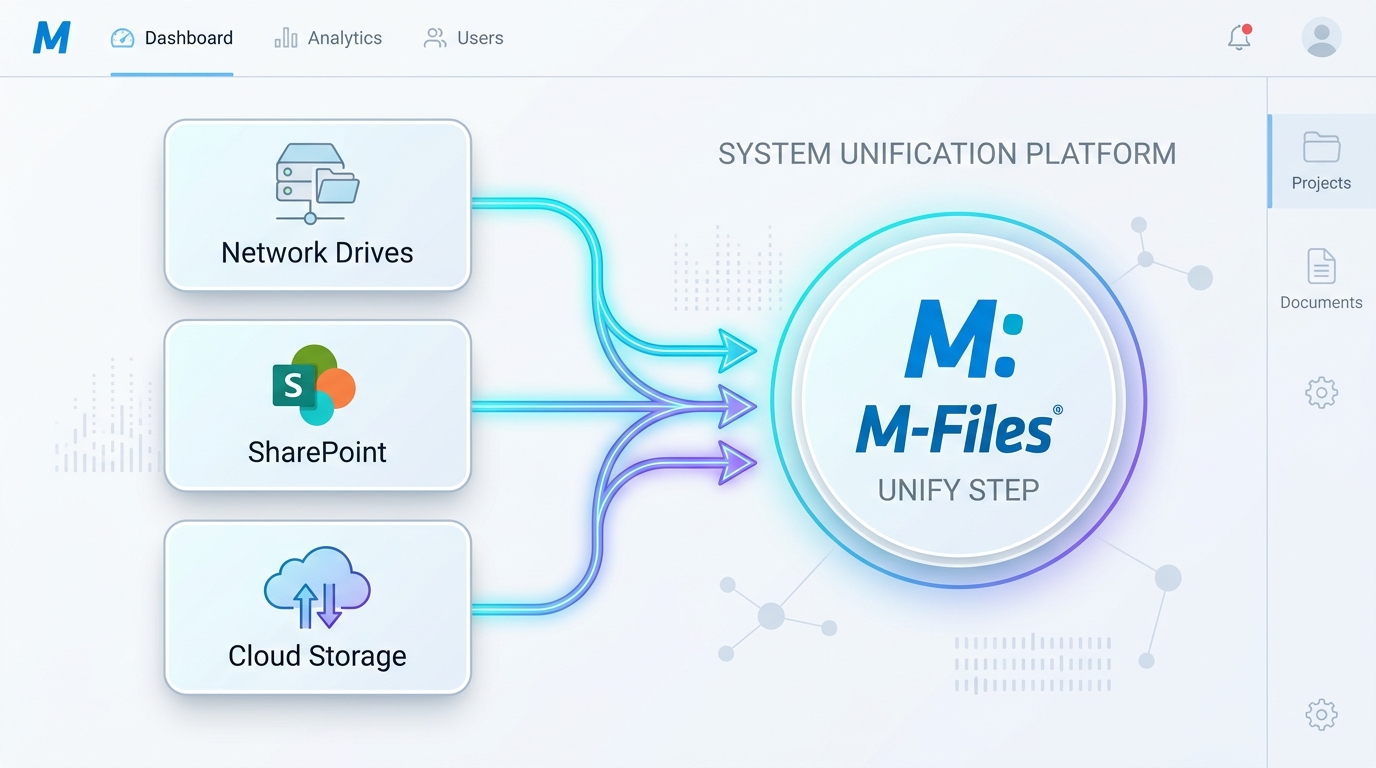
Connect AutoCAD drawings, engineering specs, and sub-contractor approvals in one governed space.
Sound familiar?
The everyday document confusion that leads to project delays, rework, and communication breakdowns:
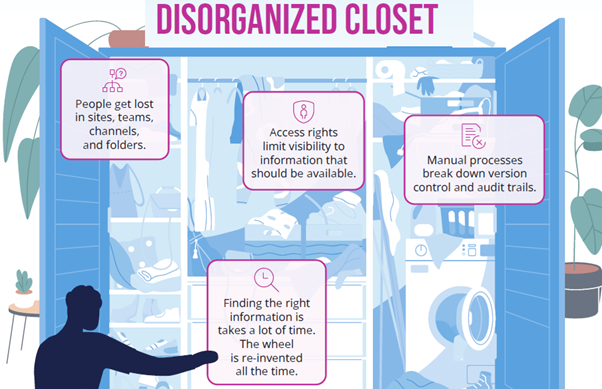
Documents are buried in folders nobody navigates the same way
A project's documentation lives six folders deep, organised however the person who set it up thought made sense at the time. New team members — or external contractors — can't find what they need without asking, and duplicates spread.
Nobody's sure which version is the approved one
Drawings, specs, and plans go through multiple revisions, tracked by file naming conventions like "v3_final_revised." It works until it doesn't — someone builds from an outdated version, and the mistake isn't caught until it's expensive.
Project status lives in someone's head, not the system
Whether a document is in review, approved, or superseded isn't visible without asking the person managing it. There's no single view of where a project's documentation actually stands.
Working with contractors means a second, separate system
Sharing project documents with people outside the business means a separate file-sharing tool, extra steps, and a second source of truth that doesn't stay in sync with the real one.
Every project document, in context
Not a separate project tool to maintain — the same M-Files vault your team already uses, with documents connected to the project, phase, and status they actually belong to.
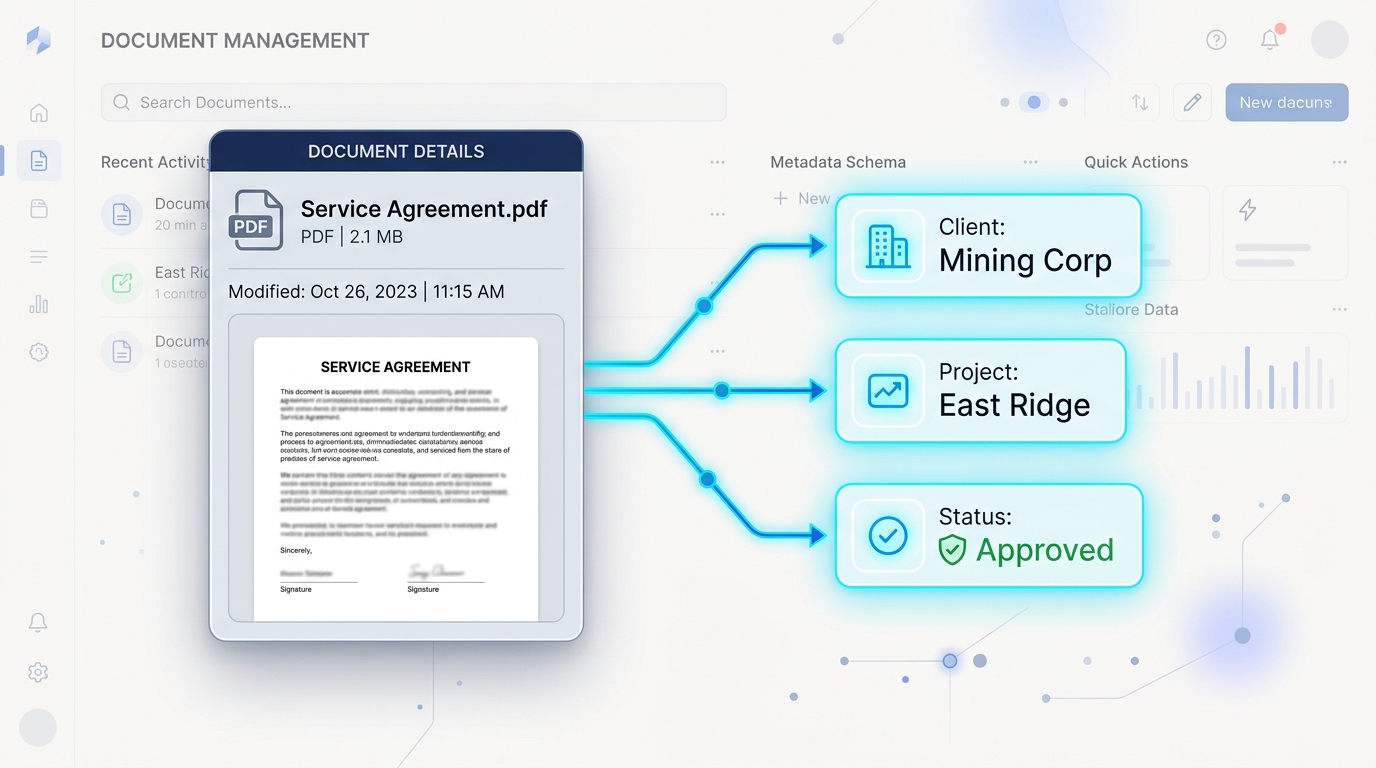
Find It By Project, Not By Folder Path
Every document is findable by project, phase, or document type — not by remembering how deep it's buried. The same metadata-driven approach used across every M-Files use case applies here.
One Current Version, Automatically
Full version history behind every drawing, spec, and plan — no more relying on file names to know what's current. Everyone works from the same approved version by default.
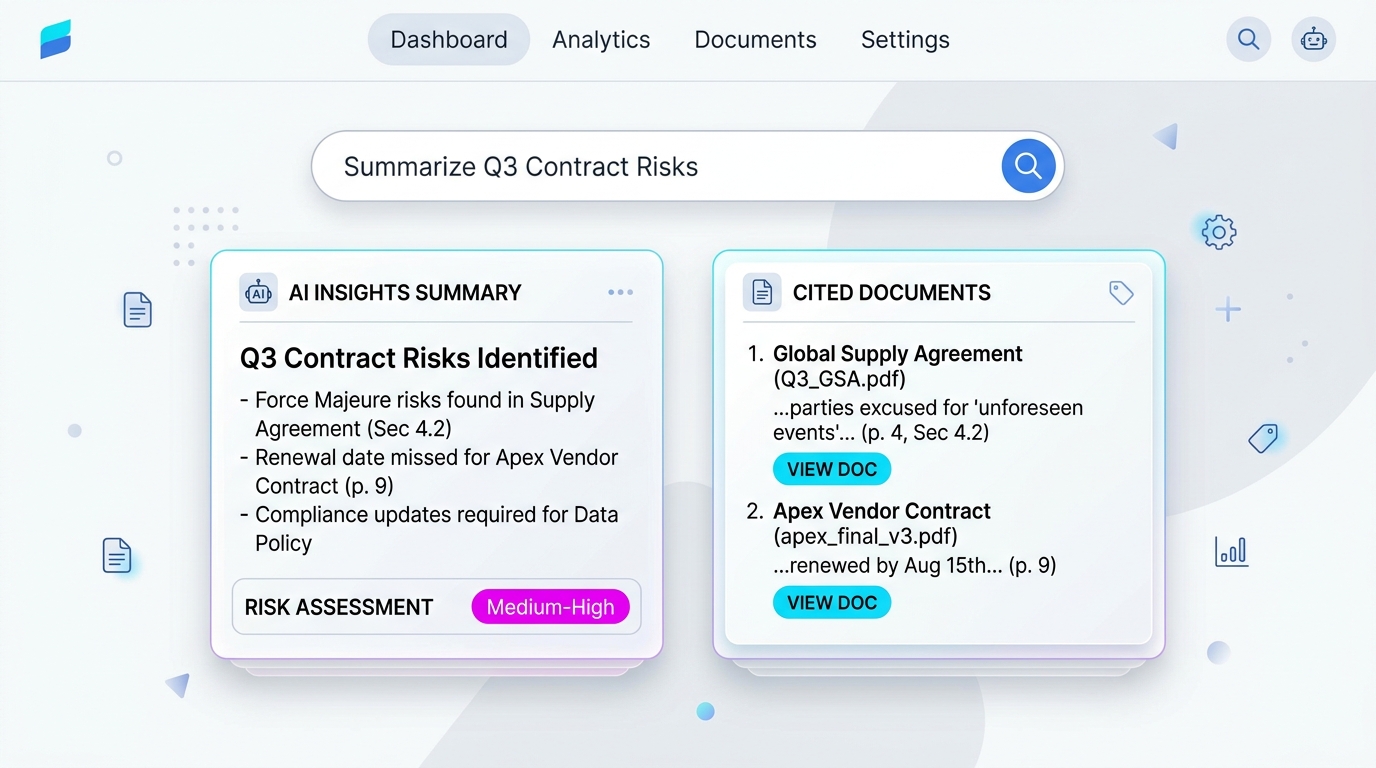
Status Visible at a Glance
Document and project status is tracked through the system itself — in review, approved, superseded — not held in one person's memory. A real view of where things stand, not an assumption.
External Collaboration Without a Second System
Contractors and clients can be given controlled access to exactly the documents relevant to them, inside the same governed system — not a separate file-share that falls out of sync.
“M-Files has become a true enterprise-class solution for us. We have saved the equivalent of 900 trees and $1.5 million to date.”
Organisations using M-Files for project documentation have reported results like $2.4 million saved annually and 9,600 hours saved per year (Source: M-Files case study, Charles River Laboratories), and $80,000 in travel costs saved during a proof-of-concept deployment (Source: M-Files case study, HEB Construction).
Gartner Magic Quadrant
Leader & Visionary in Enterprise Content Services
Forrester TEI Study
Validated 301% ROI over 3 years

TrustRadius Top Rated
Top Rated Document Management 2026

Nucleus Research
Ranked Leader 10+ consecutive years
Common Questions About Project Documentation Management
Clear answers for project managers, engineering directors, and operations leads.
Stop losing project documents in folders six levels deep.
See how M-Files connects every project document to the project it belongs to — with a demo built around how your projects actually run.
Book a Free Demo →