
Know Exactly How Long to Keep Every Record — and Prove It
M-Files applies retention rules automatically based on what a record actually is, keeps a full audit trail of who accessed what, and doesn't require migrating everything into a new system first.
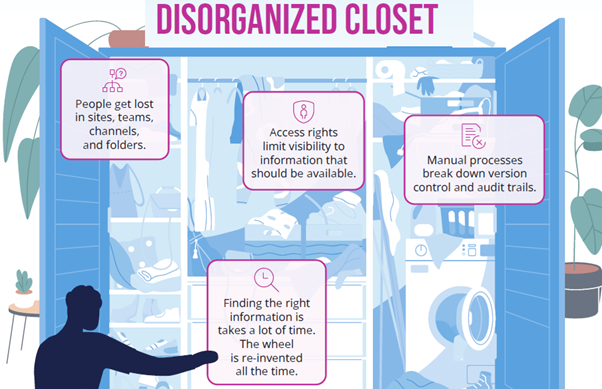
Apply compliance retention policies in-place across network drives, SharePoint, and repositories.
Sound familiar?
The compliance risks and storage clutter that happen without automated retention governance:
Nobody's confident how long to keep something
A record needs to be kept for a legally or contractually defined period — but nobody's entirely sure what that period actually is for a given document type, so the default becomes keeping everything indefinitely, just in case.
Old records pile up because deleting feels risky
Without a system enforcing retention rules, records accumulate well past the point they're required to be kept. Nobody wants to be the one who deleted something that turned out to matter, so nothing gets deleted at all.
Records are scattered across systems nobody controls
Records live across network folders, old archives, someone's inbox, and whatever system happened to create them. There's no single view of what exists, let alone whether it's being managed correctly.
A compliance review or audit exposes the gap
Everything seems fine until an audit, a legal hold, or a regulatory review asks for records that should exist and are provably managed — and the retention discipline that should have been happening quietly wasn't.
Retention that runs itself
Records managed by what they are and how long they're required to be kept — not by someone remembering to check.
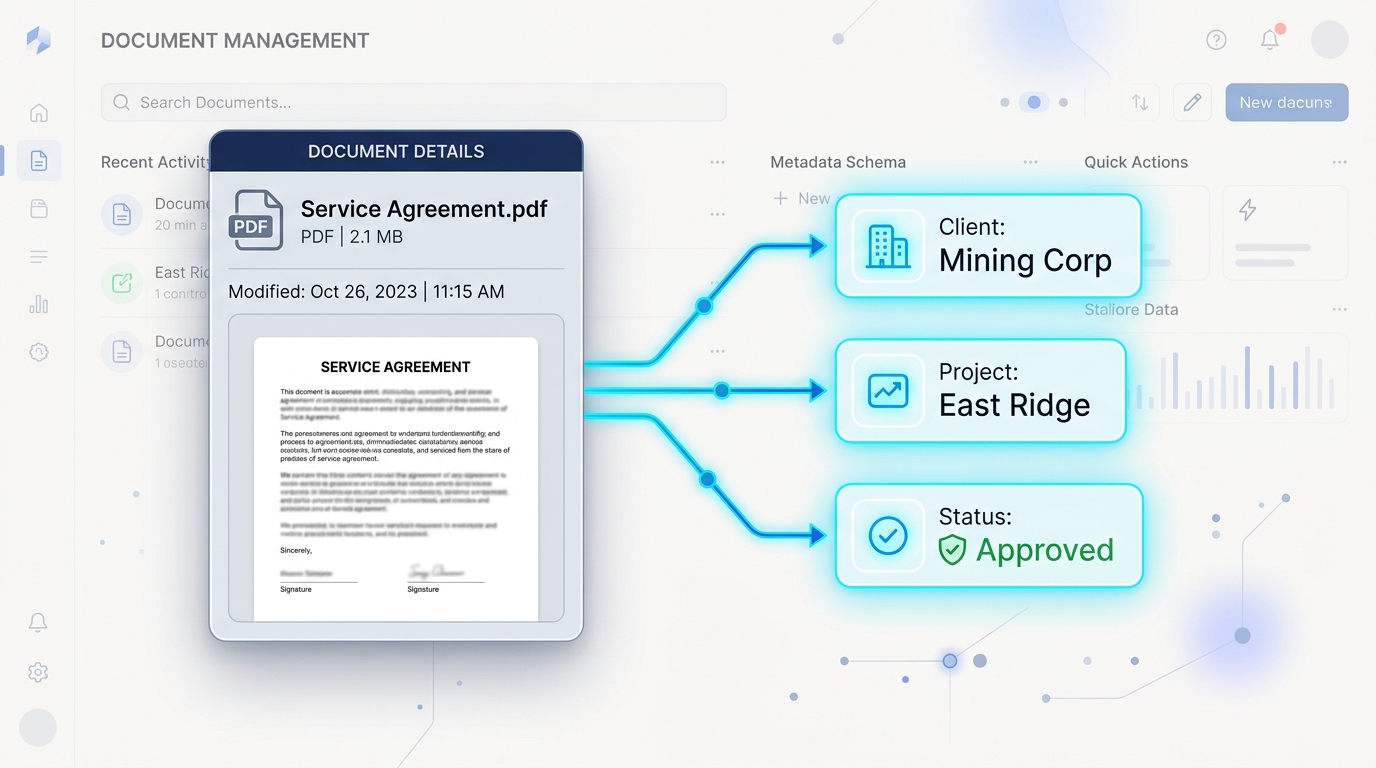
Retention on Autopilot
Retention rules are tied to metadata — what type of record it is — so the system knows how long to keep it and what happens at the end of that period, without anyone needing to track it manually.
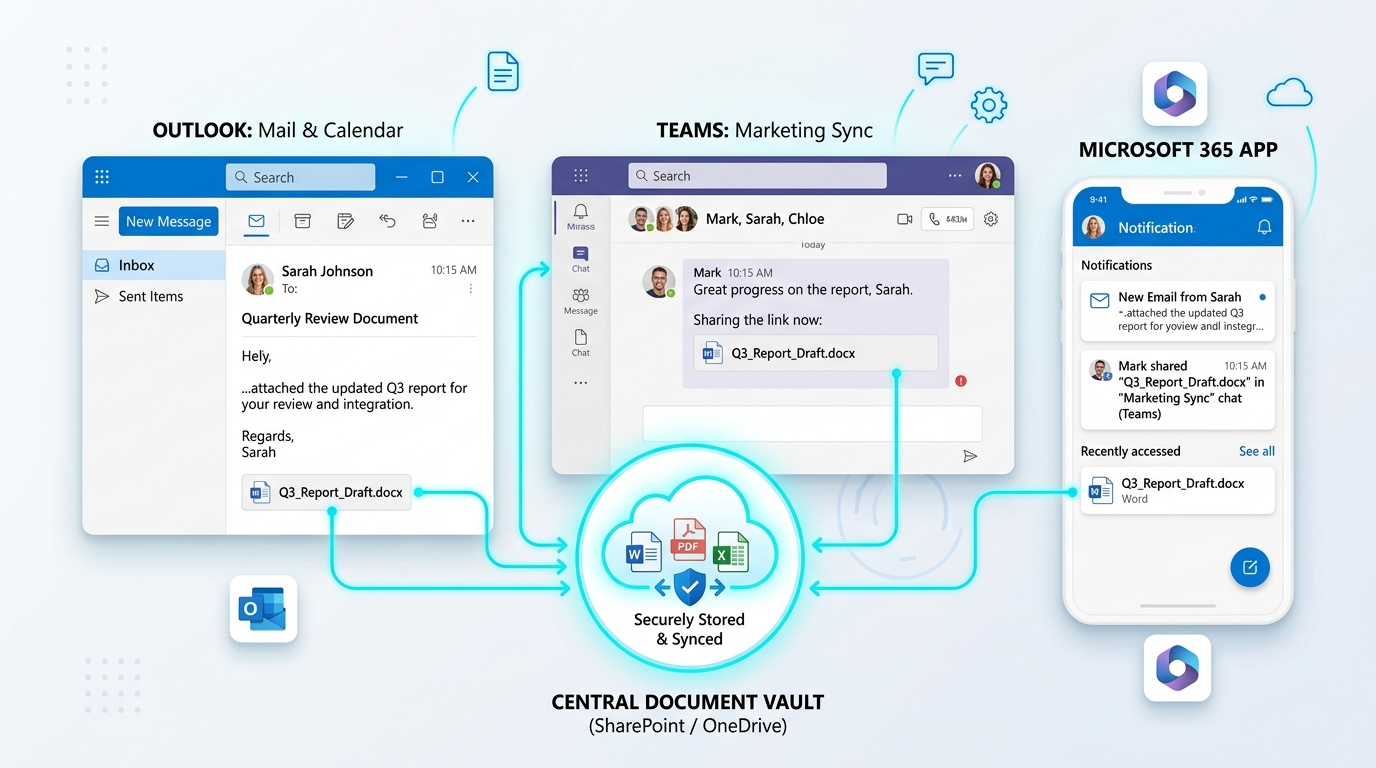
Records Don't Have to Move First
Records can stay in the systems they already live in — network folders, SharePoint, CRM platforms, legacy archives — and still be found, governed, and retained correctly through metadata.
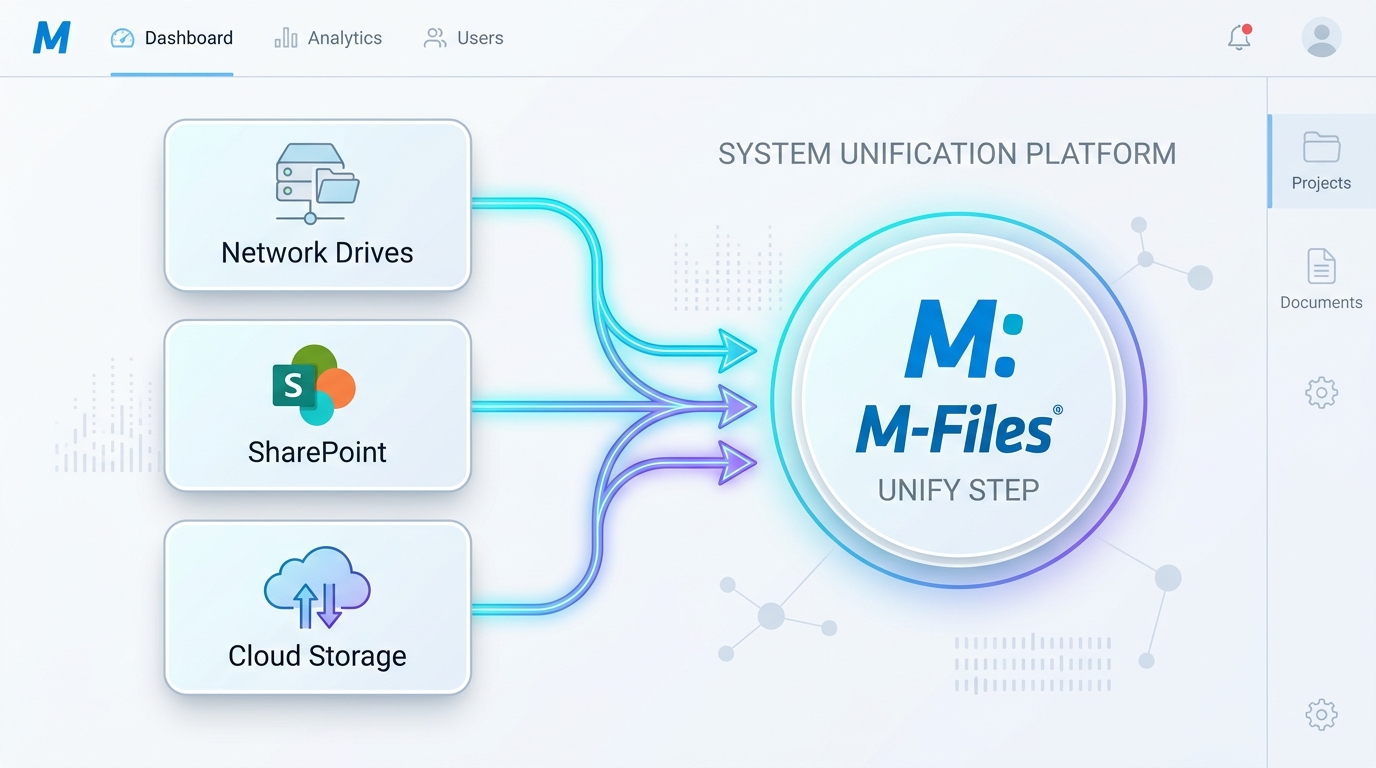
Find It By What It Is, Not Where It's Filed
The same metadata-driven approach used across every other M-Files use case applies here — a record is findable by its type, client, or date, not by remembering which archive or folder it ended up in.
Protected, Monitored, and Provable
Dynamic permissions restrict access automatically based on what a record is, full audit trails capture every access and change, and automated monitoring flags unusual activity — proving compliance effortlessly.
“M-Files makes my office so much more efficient. I have all my records and handouts at my fingertips.”
“We have to compliment Range Information Systems on their excellent support, no task too big or small and their passion for making M-Files the best experience in a DMS is commendable. M-Files itself is one of the most customisable systems and with Range's advice and expertise we have managed to automate and streamline many business processes — the reduction in paper use is staggering.”

Gartner Magic Quadrant
Leader & Visionary in Enterprise Content Services
Forrester TEI Study
Validated 301% ROI over 3 years

TrustRadius Top Rated
Top Rated Records Management 2026

Nucleus Research
Ranked Leader 10+ consecutive years
Common Questions About Records Management & Retention
Clear answers for records managers, compliance officers, and IT leaders.
Stop guessing how long you're required to keep something.
See how M-Files applies retention automatically — without requiring a full migration to get started.
Book a Free Demo →